
Branding and sales materials
- Audience: Admins
Last updated
Branding (partners)
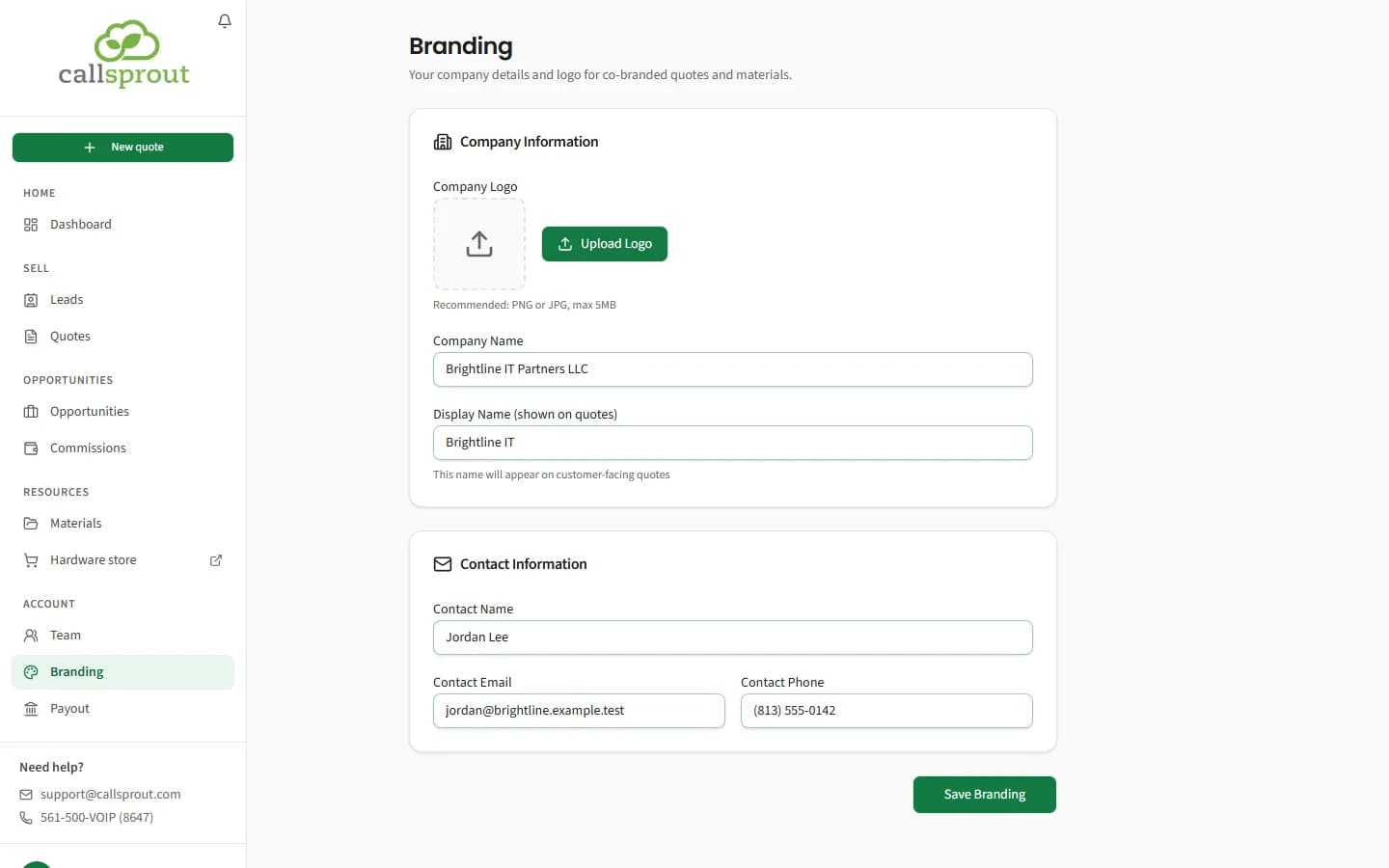
Account › Branding: your company details and logo for co-branded quotes and materials. It's open during onboarding too.
- Company Logo: Upload Logo or Change Logo. PNG or JPG, up to 5 MB, and at least 300 px on its longer side. Smaller logos are turned away, since they'd print badly.
- Company Name, and Display Name (the name shown on quotes).
- Contact Information: contact name, email and phone. These fill in Prepared by on new quotes.
Click Save Branding. Once you have a logo, it also shows in its own box near the top of your sidebar.
Materials
Resources › Materials: brochures, case studies, email templates, presentations and other collateral to download and share.
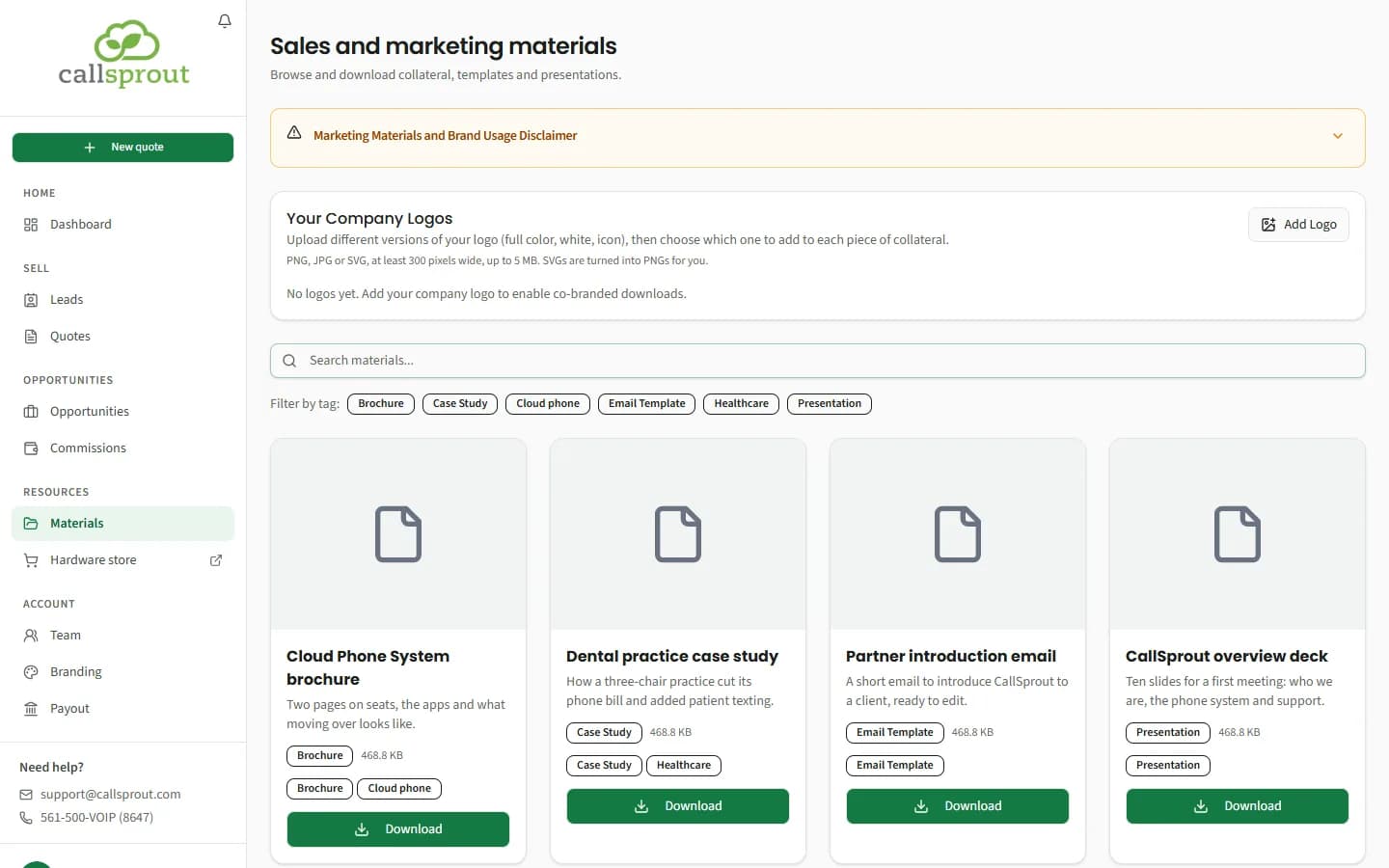
- Search materials… and Filter by tag. Categories include Branding, Collateral, Email Template, Presentation, Case Study and Brochure.
- Click a card to preview it, then Download.
- Please follow the Marketing Materials and Brand Usage Disclaimer at the top of the page. It's open the first time you visit, then folded away; click it to read it again. It's the same brand usage terms you accepted in onboarding.
Your logos
Your Company Logos holds the versions of your logo, for example Full color, White and Icon. Add Logo, Rename or Delete. The first one is your Primary logo, used on quotes. Partners manage logos; reps use their company's.
Co-branding a PDF
On any PDF, click Add My Logo:
- In Preview & Customize Co-Branding, choose Which logo.
- Drag and resize your logo and company name into place, and set Logo Size and Company Name Font Size.
- Save Positions to keep the layout for next time, and Export PDF to download it.
A Co-Branded badge means CallSprout has already set where your logo and name go on that material. On other PDFs your logo starts in a default spot, and you place it yourself. If you haven't added a logo yet, you'll see Upload logo to personalize, which takes you to Branding.
Related articles
Still stuck? Contact support
Our team in West Palm Beach can walk you through it. Tell us your name, your company and what you were trying to do.