
Pick on-hold audio or send us your own
- Audience: Admins
Last updated
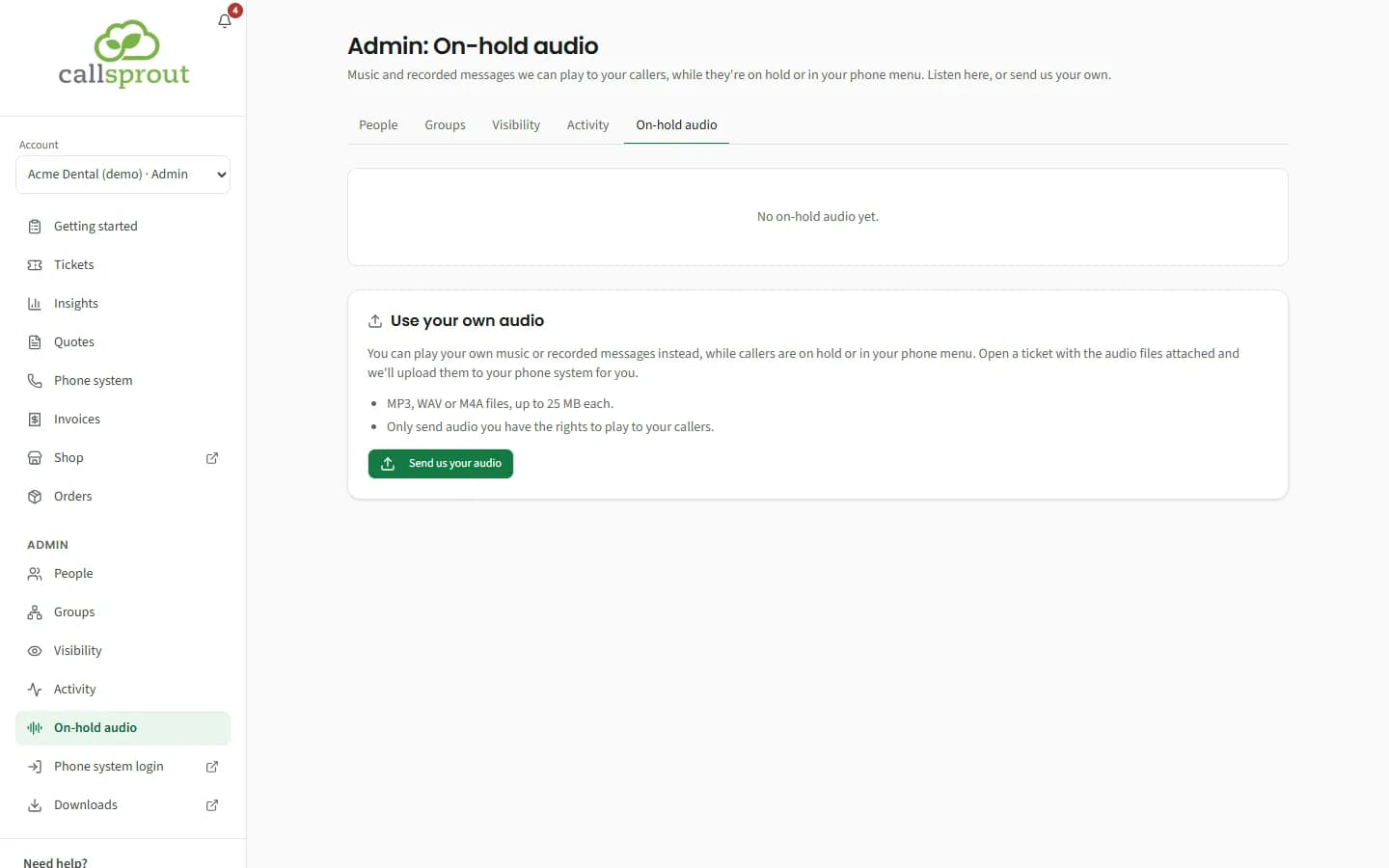
Admin › On-hold audio: "Music and recorded messages we can play to your callers, while they're on hold or in your phone menu. Listen here, or send us your own."
It's in the Admin section for every company's admins (location admins included), whether or not your company has Getting started. It used to be part of Getting started; old links to it bring you here.
Tracks from CallSprout's library
When CallSprout has tracks in its library, each one is listed with a player, so you can listen first.
- "Want one of these on your line? Request it in a ticket, and we'll set it up."
- Request this track opens a New ticket box titled "Request {track}", with the subject "On-hold audio: {track}": "Tell us where it should play (on hold, in your phone menu, or both) and we'll set it up." Add any details and send it.
With no tracks in the library yet, the page says "No on-hold audio yet."
Use your own audio
"You can play your own music or recorded messages instead, while callers are on hold or in your phone menu."
- Send us your audio opens the same New ticket box, titled "Send us your audio", with the subject "On-hold audio: our own audio".
- When file uploads are on for your company, attach your files there: MP3, WAV or M4A, up to 25 MB each, and tell us where each should play (on hold, in your phone menu, or as a message). We upload them to your phone system for you.
- When file uploads aren't on, send the ticket and we'll reply on it with how to send the files.
- Only send audio you have the rights to play to your callers.
If Tickets isn't switched on for your company, the page gives CallSprout's support email instead of the buttons: email your audio files to support@callsprout.com.
Related articles
Still stuck? Contact support
Our team in West Palm Beach can walk you through it. Tell us your name, your company and what you were trying to do.