What are the best VoIP phones for MSPs in 2026?
Which desk phones and softphones hold up on an MSP help desk, and what to do about the after-hours calls your techs can't get to. Pricing is published.
If you run a managed services shop, the phone on your help desk isn't just a phone. It's the front door to your ticket queue. It's the first thing a client hears when their network goes down, and your techs use it all day. So the question is a practical one: which VoIP phones hold up under MSP workloads, and how do you set up a desk and a softphone stack without overpaying?
Hardware is only half the answer. The other half is what happens to a call your team can't grab. One tech is elbow deep in a server, another is on a client site, and the phone rings a third time. Those after-hours and overflow calls are the ones that turn into escalations, churn, or a lead you never win back.
This guide covers both halves. First how to pick desk phones and softphones for an MSP, then how to handle the calls that ring when nobody can pick up.
What an MSP needs from a VoIP phone
MSP call patterns look different from a typical office. Your techs multitask, transfer a lot, and need clean audio while they type notes into a PSA. Before you buy anything, check the candidates against how your team really works.
Audio comes first. Poor audio slows down troubleshooting when a client is reading you an error message, so look for HD audio and a solid handset. Next, programmable line keys. Techs juggle several client calls, holds and transfers, and physical keys beat digging through menus.
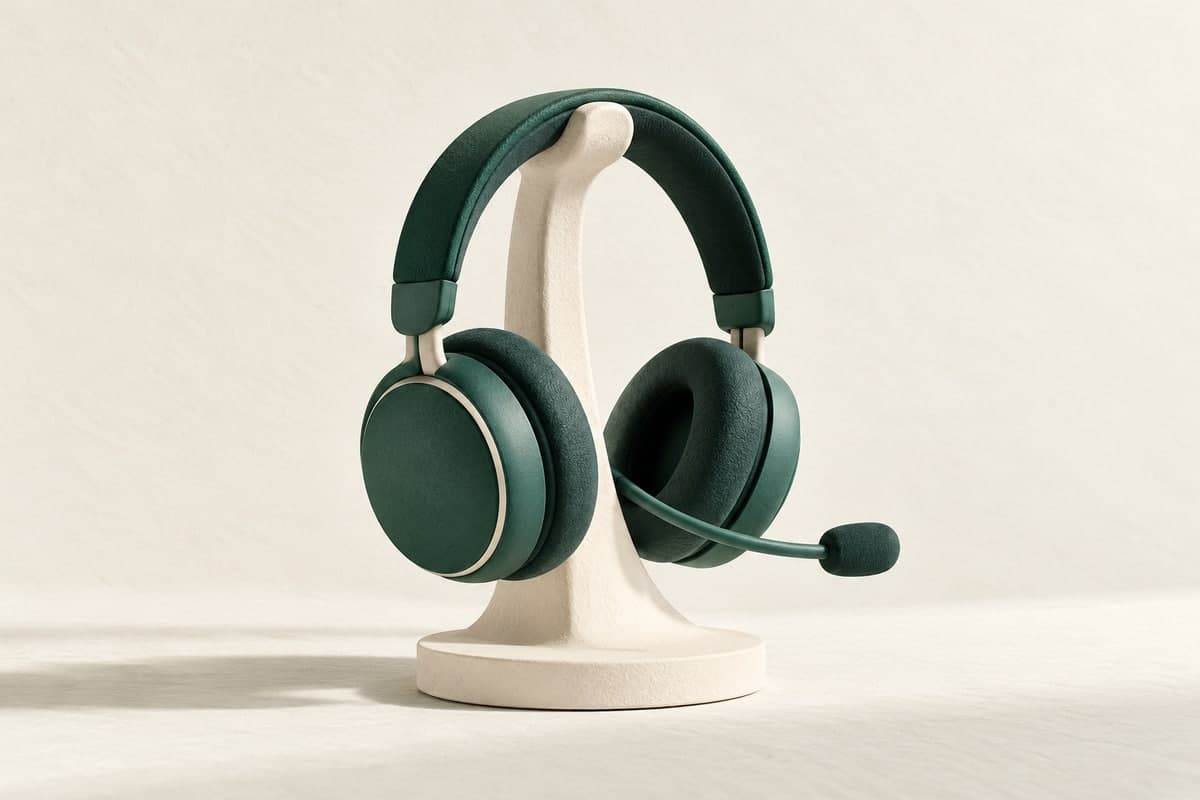
Headset support matters too, whether that's USB, EHS or Bluetooth, so a tech can talk hands-free while working a ticket. You'll also want gigabit passthrough and PoE. One cable to the phone and the PC keeps desks tidy, and the phone gets its power from your switch.
Last is provisioning at scale. You're deploying for yourself and sometimes for clients, and zero-touch provisioning saves hours.
If you're also standing up phones for the businesses you support, our broader roundup of the best VoIP phones for small businesses and enterprises goes through the general lineup in more detail.
Desk phones worth considering
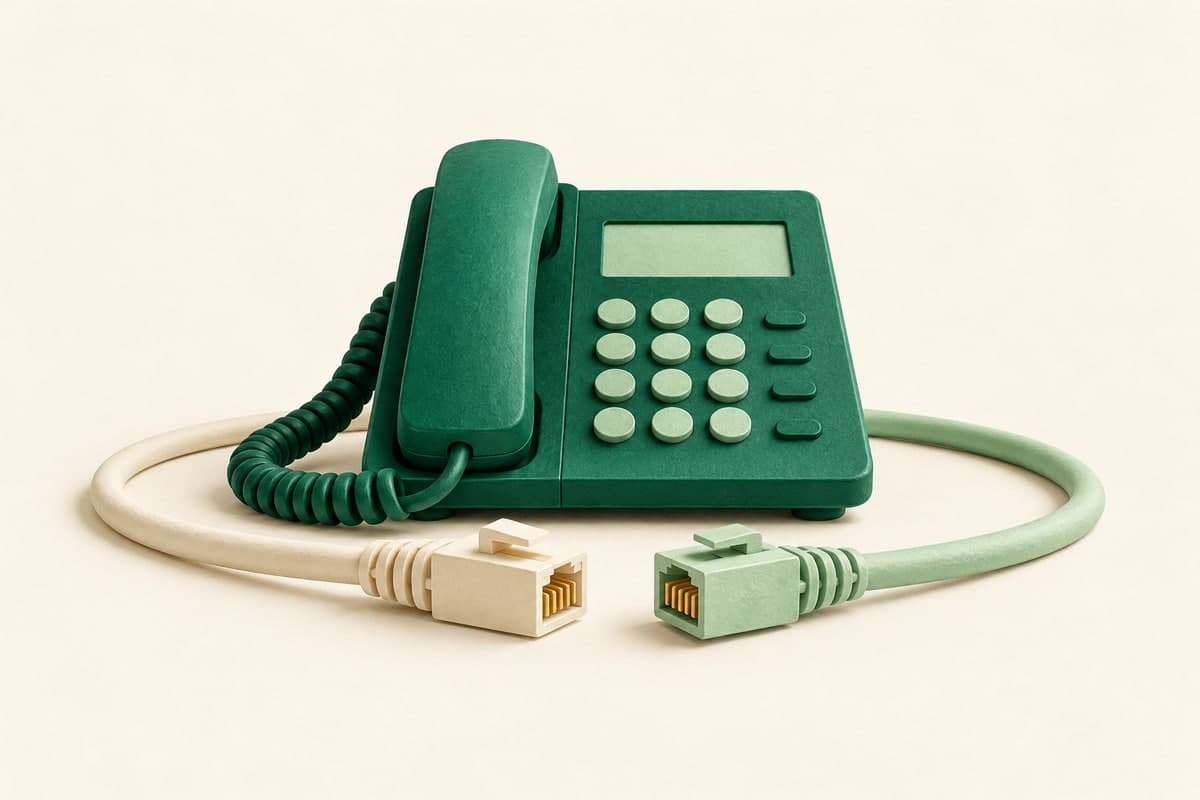
Most MSPs standardize on a small number of SIP desk phones so provisioning and support stay simple. Model numbers change every year, so it's easier to choose by role than to chase them.
- Entry-level SIP phone. For shared or lab desks, a basic two-line handset with HD audio covers spare desks, break rooms and test benches.
- Mid-range multi-line phone. This one goes on the help desk. Look for a color display, several programmable keys and reliable EHS headset support. It's the workhorse your techs will use all day.
- Executive or dispatch phone with an expansion module. A dispatcher or an owner who watches many lines at once gets a sidecar of extra keys, which makes busy-lamp-field monitoring easy.
- Conference phone. When an outage turns into an all-hands bridge, a dedicated conference unit beats crowding around a handset in the war room.
Whatever you pick, confirm it speaks standard SIP so you're never locked into one vendor's ecosystem. A cloud phone platform that supports common SIP hardware keeps your options open when models get discontinued.
Softphones for field techs
Half your team is rarely at a desk. A good softphone turns any laptop or phone into an extension, so a tech on a client site still answers on your main number and the call still gets logged.
Desktop and mobile apps should share one number and one voicemail. A field call should warm transfer from mobile back to the desk, so the hand-off is clean. Presence lets the help desk see who's free before it routes a call, and texting handles quick client confirmations without anyone giving out a personal cell number.
With softphones, your after-hours on-call rotation stops depending on personal devices, and your call records stay in one place.
PSA and CRM integration
A phone that doesn't touch your PSA means double entry. The strongest MSP setups pop caller context on screen and log activity automatically. CallSprout connects to the tools you already run, including ConnectWise, Autotask and HaloPSA, plus general integrations through Zapier and Make when you need something custom.
When a client calls, the tech sees who it is and the open tickets before the second ring. A cold pickup becomes a fast, informed response.
The calls your phones can't catch
Good hardware runs out of road here. No desk phone answers itself at 2 a.m., and no softphone picks up when every tech is already on a call. An MSP can't afford to lose those overflow and after-hours calls, because a down client who reaches voicemail may not leave a message at all.
That's why Sage, CallSprout's 24/7 AI voice agent, is the piece most MSP phone plans are missing. Sage answers day and night, greets the caller and captures the issue, then routes it based on urgency. It transcribes the call and passes the details along. If it's a real emergency, Sage escalates to your on-call tech instead of letting it sit in a mailbox. For a closer look at the fit, see our guide to an AI answering service for IT MSPs.
Sage runs on a network built for reliability, so it stays up when your clients need you most.
Pricing you can plan around
MSPs live and die by predictable margins, so the billing model matters as much as the phone. With CallSprout the AI is included instead of being a separate line item, and pricing is published so you can budget without a sales call.
Seats are a flat monthly charge per user, and every plan's price is on our site. Sage usage is $0.39 per minute, billed by the second, with the first 30 seconds of every call free. That means you pay for the seconds Sage actually uses, not rounded-up minutes. Current pricing has the full breakdown.
Good desk phones and softphones keep your techs fast. Sage covers the calls they can't reach, day or night. To hear it handle a live call for your MSP, look at pricing or contact us.